Graphic Tablet vs. Mouse in Design & 3D Modeling
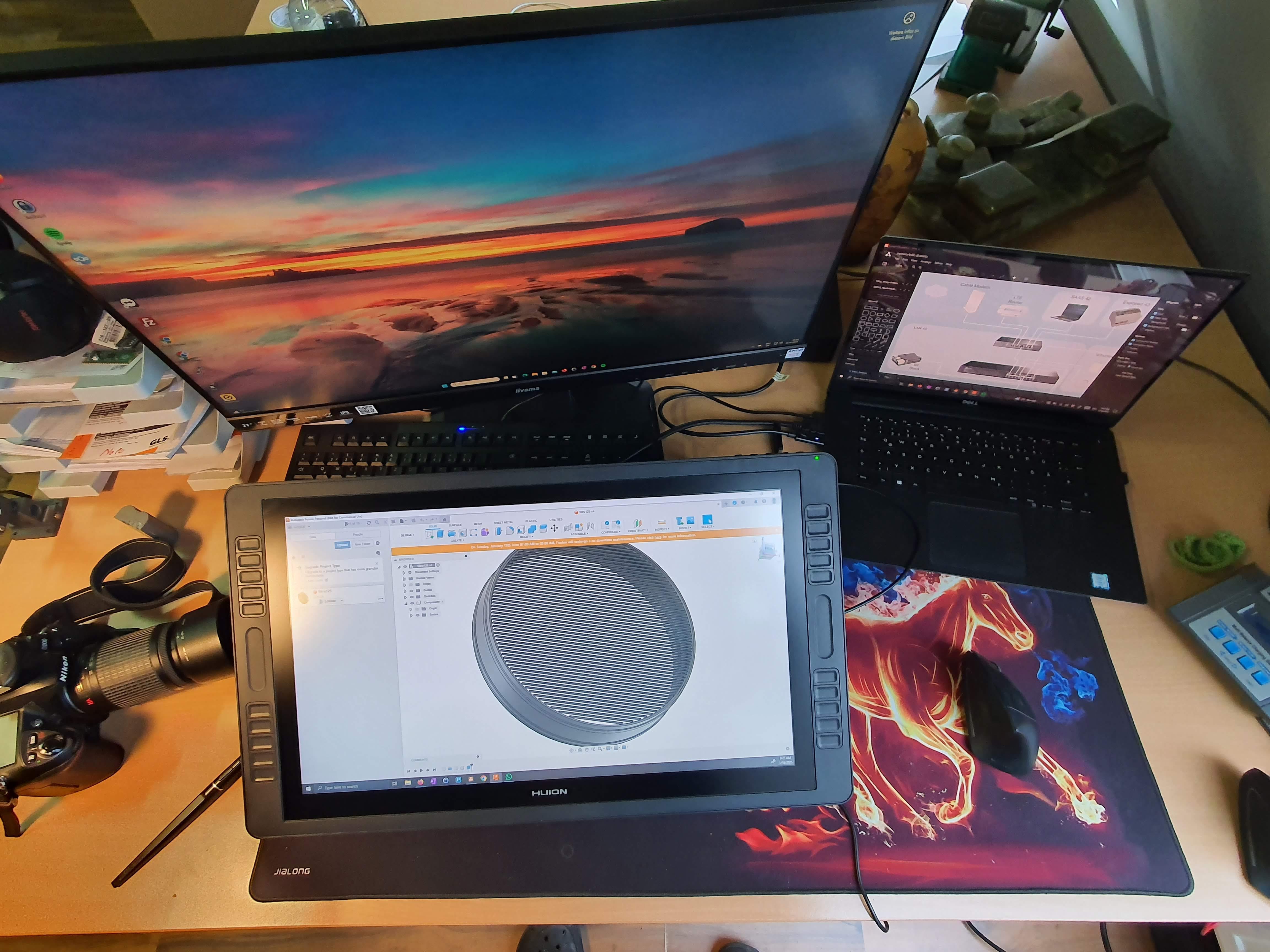
When it comes to digital design, the choice of input device plays a crucial role in efficiency and user experience. Traditionally, the mouse has been the go-to tool for CAD modeling, vector design, and digital workflows. However, graphic tablets have gained traction, offering a more intuitive way to interact with design software. But how well do they actually perform in different types of design work, especially 3D modeling?
The Strengths of a Graphic Tablet
Using a graphic tablet for sketching and creating diagrams is a significant advantage. It allows for fluid, natural drawing motions, making concept creation much more intuitive. Once you get used to the stylus, it feels almost like drawing on paper—something a mouse simply cannot replicate.
Another strong point is in vector-based design. Manipulating paths, adjusting curves, and controlling bezier handles with a stylus feels more precise and natural. Plus, the customizable buttons on many tablets offer a highly efficient workflow when set up properly.
For tasks like digital sculpting in ZBrush or Blender’s Sculpt Mode, a graphic tablet is nearly essential. The pressure sensitivity, smooth strokes, and ergonomic handling give an unparalleled level of control compared to a mouse.
But What About 3D CAD Modeling?
Here’s where things get uncertain. Traditional CAD software like Fusion 360, SolidWorks, or AutoCAD is heavily optimized for mouse and keyboard input. Tasks like selecting precise edges, extruding surfaces, and navigating complex assemblies are generally more efficient with a mouse.
While a tablet can be used for CAD modeling, the advantages are less obvious. The lack of precise cursor control (compared to a mouse with high DPI settings) and the absence of a scroll wheel can slow down workflows that require quick and frequent zooming, panning, and precise clicks.
Where Does It Shine, and Where Does It Fall Short?
✅ Great for: Sketching, concept art, diagram creation, vector design, digital sculpting.
⚠️ Questionable for: 3D CAD modeling, parametric design, precision-based workflows.
❌ Not ideal for: High-precision operations, fast prototyping in CAD without extra navigation tools.
Final Thoughts: A Matter of Workflow & Experience
My experience so far shows clear advantages when using a graphic tablet for sketches, diagrams, and vector work. However, when it comes to CAD-based 3D modeling, I’m still unsure if it can replace the precision and speed of a traditional mouse.
I’d love to hear from professionals who have experimented with graphic tablets in 3D design. Do you find them efficient for modeling, or do you always switch back to a mouse? Maybe I’m missing some key optimizations or techniques?